
Sifting through hundreds of irrelevant IT job listings is one of the most frustrating parts of a tech job search. You spend an hour filtering, and still end up with postings that don't match your salary expectations, work preferences, or skill set. The good news is that smarter filtering is a learnable skill. This guide walks you through exactly how to prepare your criteria, use advanced search syntax, and verify your results so you stop wasting time and start finding roles that actually fit.
Table of Contents
- Understand the limitations of job board filters
- Prepare essential data and requirements before searching
- Apply advanced search syntax and powerful workarounds
- Verify and review your filtered results for fit
- Why most IT job search advice misses the mark
- Filter IT jobs smarter with Let's Hunt
- Frequently asked questions
Key Takeaways
| Point | Details |
|---|---|
| Native filters are limited | Major job boards often lack persistent filters for salary and keyword exclusions. |
| Advanced search syntax works | Using quotation marks, salary tags, and minus signs is essential for precise IT job filtering. |
| External data is crucial | Utilizing sites like BLS and Levels.fyi gives you reliable salary benchmarks for targeting. |
| Check filtered results carefully | Always review your filtered listings to ensure job fit and spot possible missed opportunities. |
Understand the limitations of job board filters
Before you can filter smarter, you need to know what you're working with. Most IT professionals start their search on platforms like Indeed, Glassdoor, or LinkedIn. These platforms have built-in filters, but they're often shallower than they appear. Understanding where job board filtering breaks down is the first step toward fixing it.
The core issue is that default filters were built for general job seekers, not IT professionals with specific technical requirements. You might be able to filter by job title and location, but filtering by exact tech stack, years of experience in a specific language, or remote-only roles with a minimum salary is a different story.
Here's a quick comparison of what major platforms actually offer:
| Platform | Salary filter | Remote filter | Keyword exclusion | Skill-specific filter |
|---|---|---|---|---|
| Indeed | Partial | Yes | No | No |
| Glassdoor | Yes | Yes | No | No |
| Yes | Yes | No | Limited | |
| LetsHunt.it | Yes | Yes | Yes | Yes |
As you can see, even the biggest names fall short. Indeed lacks persistent salary filters, meaning your salary preference often resets between sessions. That's a real problem when you're targeting roles above a specific threshold.
Here are the most common gaps IT pros run into:
- No way to exclude certain job titles (like "junior" when you want senior roles)
- Salary filters that disappear after a session ends
- Remote filters that still surface hybrid or on-site roles
- No option to filter by specific programming languages or frameworks
For a deeper look at how to navigate these gaps across different platforms, the IT job board guide on LetsHunt's blog breaks down each major board in detail.
"When the AI search mode keeps surfacing irrelevant listings, switching to classic search gives you back direct control over your filters." — Experienced IT recruiter
The takeaway here is simple. Don't rely on default filters alone. Know their limits, and you'll be ready to work around them.
Prepare essential data and requirements before searching
With those limitations in mind, it's time to build your personal search criteria before you even open a job board. Most IT professionals skip this step and end up applying inconsistent filters each session. That costs time and leads to missed opportunities.
Start with salary. You need a realistic target range based on your role, location, and experience level. Two of the most reliable salary data sources are the U.S. Bureau of Labor Statistics (BLS) and Levels.fyi. BLS gives you broad occupational data, while Levels.fyi provides crowdsourced compensation data specifically for tech roles at named companies. Using both together gives you a grounded, realistic range.
Here's a sample data table for common IT roles in 2026:
| Role | BLS median salary | Levels.fyi average (senior) |
|---|---|---|
| Software Engineer | $130,000 | $185,000 |
| DevOps Engineer | $125,000 | $170,000 |
| Data Scientist | $128,000 | $175,000 |
| Cloud Architect | $145,000 | $200,000 |
Once you have your salary anchor, build out your full criteria list. Think of it as your filter blueprint:
- Minimum salary (non-negotiable floor)
- Work model (remote, hybrid, or on-site)
- Location or timezone requirements
- Required tech stack (languages, tools, platforms)
- Company size preference
- Industry exclusions (e.g., no defense, no gambling)
If you're targeting DevOps job types specifically, your criteria list will look different from a frontend developer's. Tailoring this list to your specialty makes every search session more precise.
When you're ready to search, pairing external salary data with search syntax helps you target accurately even when native salary filters are unreliable. You can also browse external salary sources to cross-check your benchmarks before committing to a range.
Pro Tip: Use your keyboard's Tab key to move between filter fields quickly on most job boards. It's faster than clicking each dropdown individually, especially when you're applying the same filter set across multiple platforms.
Apply advanced search syntax and powerful workarounds
Now you're ready to act. Here's how to filter smarter using tools and methods that go beyond what default platforms offer.
Search syntax is your most powerful free tool. Most job boards support basic Boolean operators, even if they don't advertise it. Here's a step-by-step approach:
- Use quotation marks for exact phrases. Searching "senior software engineer" (with quotes) returns results with that exact phrase, cutting out irrelevant variations.
- Use the minus sign to exclude keywords. Searching software engineer -junior removes listings with the word "junior" from your results on platforms that support it.
- Combine terms with AND/OR. Try Python AND (remote OR "fully remote") to surface roles that match either remote label.
- Add salary syntax where supported. On some boards, you can type salary:"$130,000" directly in the search bar to filter by pay range even when the native salary filter is unreliable.
- Use site-specific Google search. Try site:indeed.com "DevOps engineer" "remote" "$130,000" in Google to bypass Indeed's native interface entirely.
For filtering remote IT jobs, this approach is especially useful because remote labels vary wildly across postings. Some say "fully remote," others say "work from home" or "distributed team."
Keyboard navigation and search syntax together can cut your average filtering time significantly per session. That adds up fast across a multi-week job search.

Pro Tip: Build a saved search string document. Keep your best-performing syntax combinations in a notes app so you can paste them instantly into any job board without rebuilding from scratch each time.
AI-powered search modes on platforms like LinkedIn are improving, but they still struggle with precise criteria. If you need remote-only, a specific salary floor, or a narrow tech stack, classic keyword search almost always outperforms AI search for specificity. Use AI search for broad discovery, then switch to classic mode to tighten results. This hybrid approach is also useful when optimizing your recruitment workflow if you're on the hiring side.
Verify and review your filtered results for fit
Applying filters is only half the job. The other half is confirming that what you're seeing actually matches your criteria. This step gets skipped constantly, and it leads to wasted applications.
Start with a quick checklist every time you review a batch of filtered results:
- Does the listed salary (if shown) meet your minimum?
- Is the work model explicitly stated as remote, hybrid, or on-site?
- Does the required tech stack match your actual skill set?
- Is the seniority level appropriate (not just the title, but the responsibilities)?
- Are there any red flags in the job description (vague responsibilities, excessive requirements)?
Persistent salary filters are not native on most major boards, so even after you've set a salary filter, some listings will slip through without disclosed pay. Cross-check those against your benchmarks from BLS or Levels.fyi before investing time in an application.
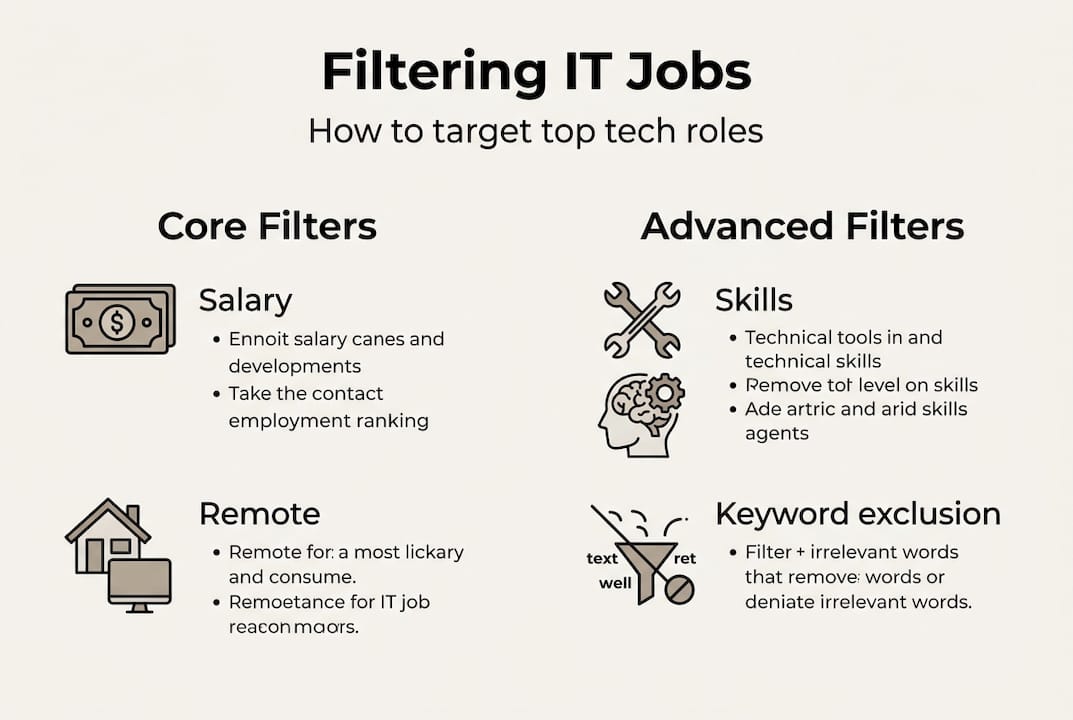
Here's a quick takeaways table to guide your review process:
| Review step | What to check | Action if it fails |
|---|---|---|
| Salary alignment | Matches your floor | Skip or research company pay |
| Work model | Remote/hybrid/on-site | Discard if it doesn't match |
| Skill match | 70%+ of required skills | Apply or flag for later |
| Seniority fit | Responsibilities, not title | Read full description carefully |
Filter errors are common. A remote filter might surface a role labeled "remote-friendly" that actually requires monthly office visits. A salary filter might include roles where the listed range is the full band, not the starting point. Catching these early saves you from applying to roles that will waste your time in interviews.
For broader career context, reviewing top software career paths helps you understand how different roles are typically structured, which makes it easier to spot mismatches in job descriptions. You can also explore job board alternatives if your current platforms keep producing noisy results.
"The best-filtered search is worthless if you don't verify each result manually. Filters narrow the field; your judgment closes it."
Why most IT job search advice misses the mark
Here's the uncomfortable truth: most job search guides tell you to "use filters" and stop there. They show you where the salary dropdown is and call it a day. That advice is almost useless for IT professionals who have specific, layered criteria that no single filter field can capture.
The real skill is building your own filter logic, one that combines external salary data, Boolean syntax, platform-specific workarounds, and manual verification. No job board gives you that out of the box. You have to construct it yourself.
There's also a persistent myth that AI job search tools solve this problem. They don't, at least not yet. AI search is great for broad exploration, but the moment you need remote job search strategies with a hard salary floor and a specific stack requirement, AI modes tend to prioritize relevance scores over your actual criteria. Classic search with precise syntax still wins for specificity.
The IT professionals who find great roles fastest are not the ones who spend the most time on job boards. They're the ones who invest 30 minutes upfront building a precise filter system, then execute quickly and verify carefully.
Filter IT jobs smarter with Let's Hunt
You've got the strategy. Now you need a platform that actually supports it. Let's Hunt was built specifically for IT professionals who are tired of generic job boards that don't speak their language.

With IT job search tools designed for tech roles, Let's Hunt lets you filter by work model, salary range, tech stack, and location all at once, without losing your settings between sessions. Whether you're targeting remote DevOps roles, senior software engineering positions, or data and AI opportunities, the platform surfaces listings that match your real criteria. Stop rebuilding your filters from scratch every session. Start your search on Let's Hunt and find roles that actually fit.
Frequently asked questions
How can I filter IT jobs by salary on Indeed?
Use advanced search syntax like salary:"$120,000" in the search bar, since Indeed lacks persistent salary filters that save between sessions.
Is there a way to exclude keywords from IT job listings?
Not natively on most major boards, but you can use a minus sign before a keyword in the search bar. Native filters are limited, so syntax-based workarounds are your best option.
Should I use AI-driven job search or classic filters?
Use AI search for broad discovery, then switch to classic mode for precision. Some prefer AI search but find classic mode more reliable when filtering for remote-only or specific salary floors.
Where can I find reliable IT salary benchmarks?
BLS and Levels.fyi are the most trusted sources. Pair external salary data from both platforms to build an accurate, role-specific compensation target before you start searching.